| Bookmark Name | Actions |
|---|
Pre-Fill Details
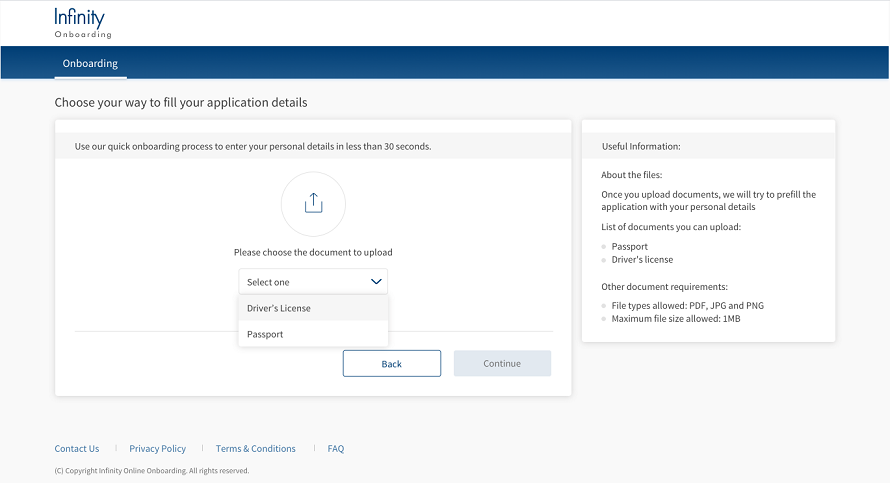
By using this option, you can upload either a driver's licence or a passport as your proof of identity. Your details are scanned by using authenticID and are automatically fetched from the document that you upload.
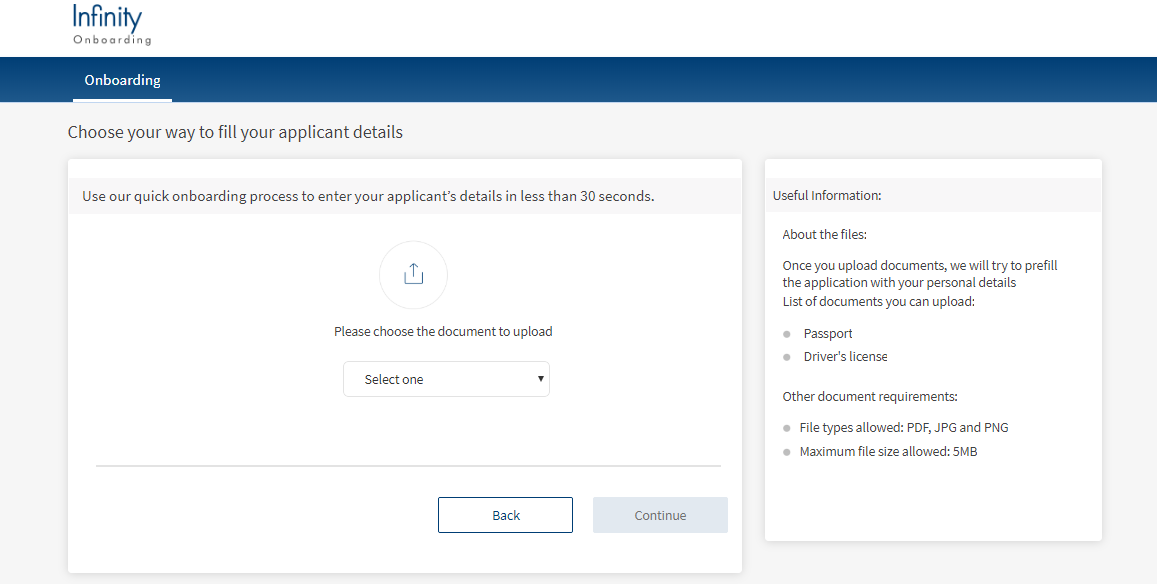
To upload your document, follow these steps.
- In the Applicant details page, select Pre-Fill Details.
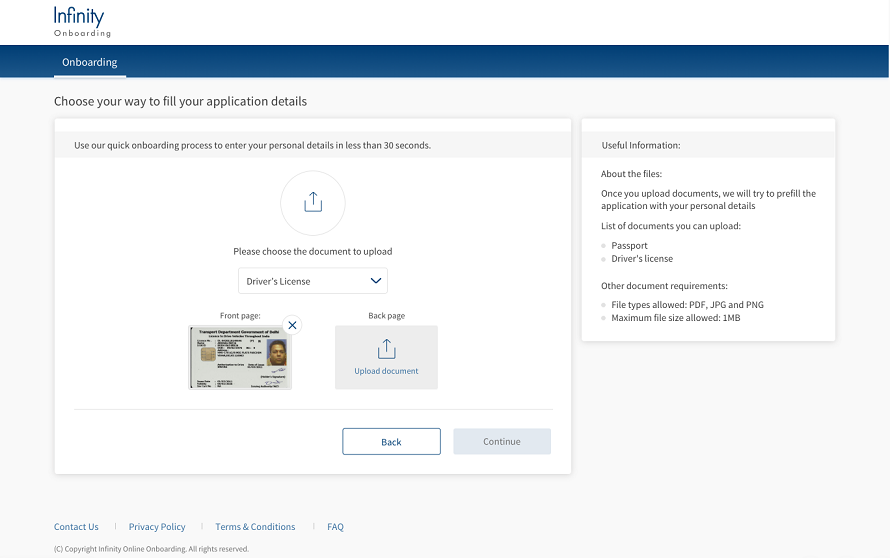
- Select a document from the list.

- Upload the selected document from your local storage.
- If you selected Driver’s License, click Upload Document. From the File Explorer, select the front and back pages of the document, and then click upload.

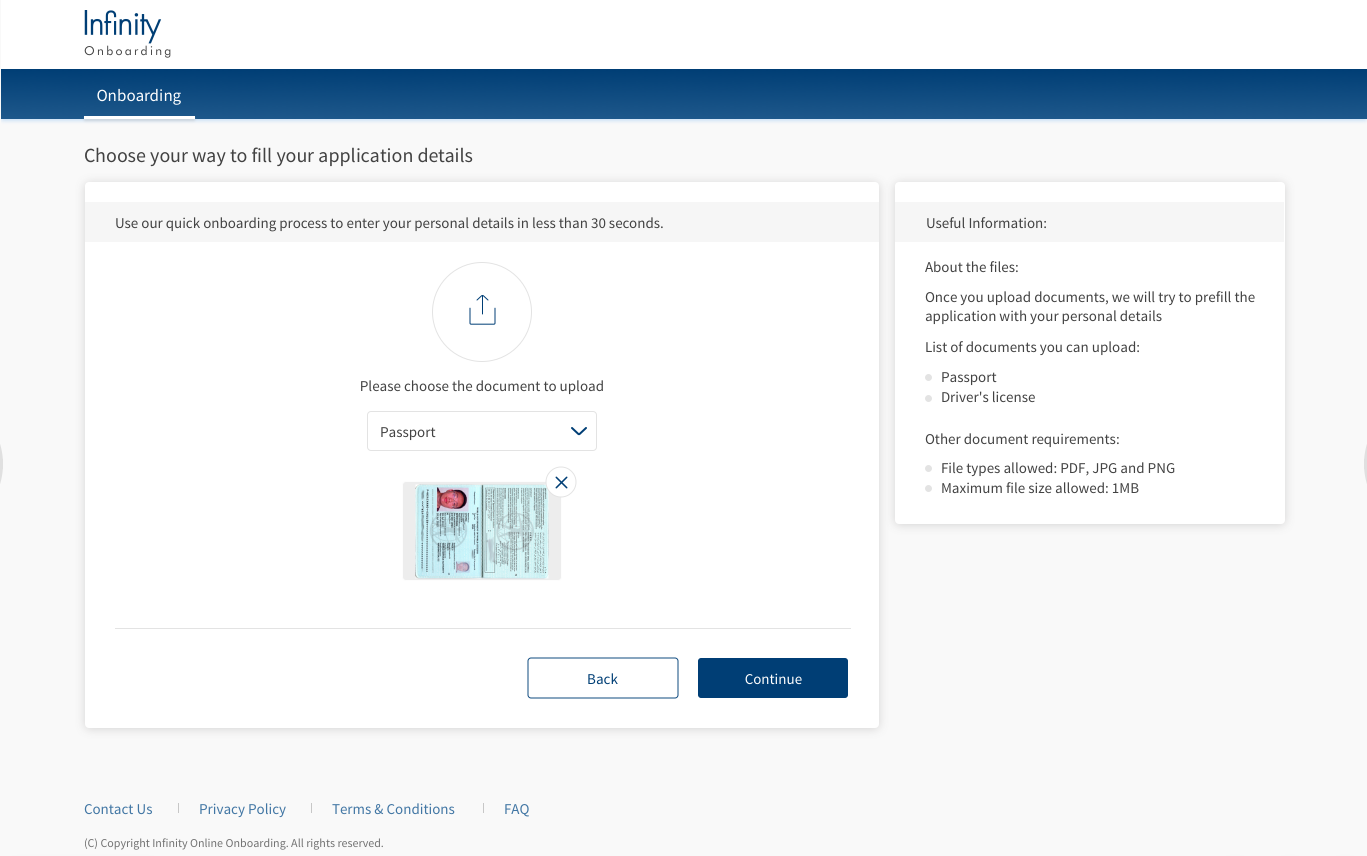
- If you selected Passport, click Upload Document. From the File Explorer, select the file, and click upload.

NOTE: The supported file types are PDF, JPG, and PNG, and the maximum file size allowed is 1 MB.
-
Click Continue.
The documents are successfully uploaded and the Personal Information section appears.
The personal details are automatically fetched from the Passport or Driver’s License that you uploaded.NOTE: If you click Back after uploading your documents, the uploaded documents will be deleted. You will receive a confirmation message prompting you to restart the upload process.
Experience APIs
The following API is shipped as part of this feature:
| API | Description |
|---|---|
| VerifyDocuments | This API retrieves the details of the uploaded or scanned documents. |
Configurations
The system administrator will have the capability to configure this module from the Spotlight app. For more information about configuring the ID Scan, click here.
Extensibility
By using the Extensibility feature, you can customize the modules based on your requirements. For more information, refer to Extensibility.
Add Bookmark
save your best linksView Bookmarks
Visit your best links BACK
BACK


Are you sure you want to log-off?